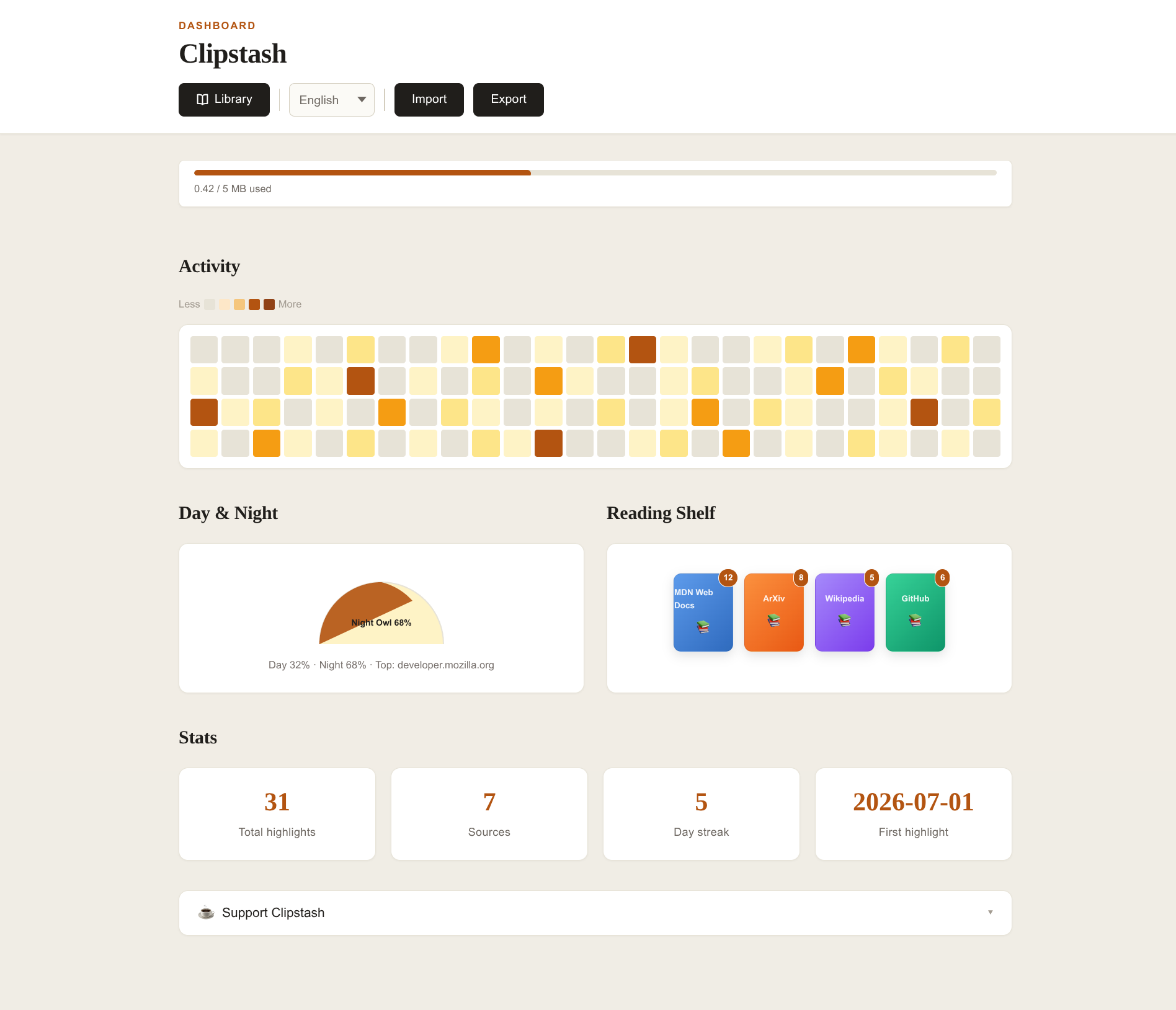
Clipstash

Your private stash
of web gems

Select text on any page, save it with one click, and revisit your highlights anytime — all stored locally, no account needed.

The best ideas deserve more than a forgotten tab
"I read something brilliant, tell myself I'll remember it, and then it's gone — buried under a hundred other tabs."
— Every reader on the internet

We've all been there. You stumble across a paragraph that perfectly captures an idea, a data point you want to cite later, or a sentence so well-written you just want to keep it. You bookmark the page, maybe leave the tab open — but weeks later, you can't find it. The context is lost.<br><br><strong>Clipstash</strong> was born from that frustration. We wanted a tool that feels like running a highlighter across a book — instant, tactile, and yours. No accounts. No cloud syncing. No algorithms deciding what matters. Just you, your selections, and a private stash you can revisit anytime.

Clipstash card icon
Everything you need, nothing you don't

A focused set of features designed around one idea: saving web highlights should be as effortless as selecting text.

One-click capture

Select any text on a page — the marquee light border confirms your selection, then hit Save. That's it.

📝

Rich formatting preserved

Bold, italic, code, lists, headings, links, and even images are kept exactly as they appeared on the page.

🔒

100% local, zero tracking

Every highlight lives in your browser's local storage. No account, no server, no analytics. Your reads stay yours.

🔍

Full-text search

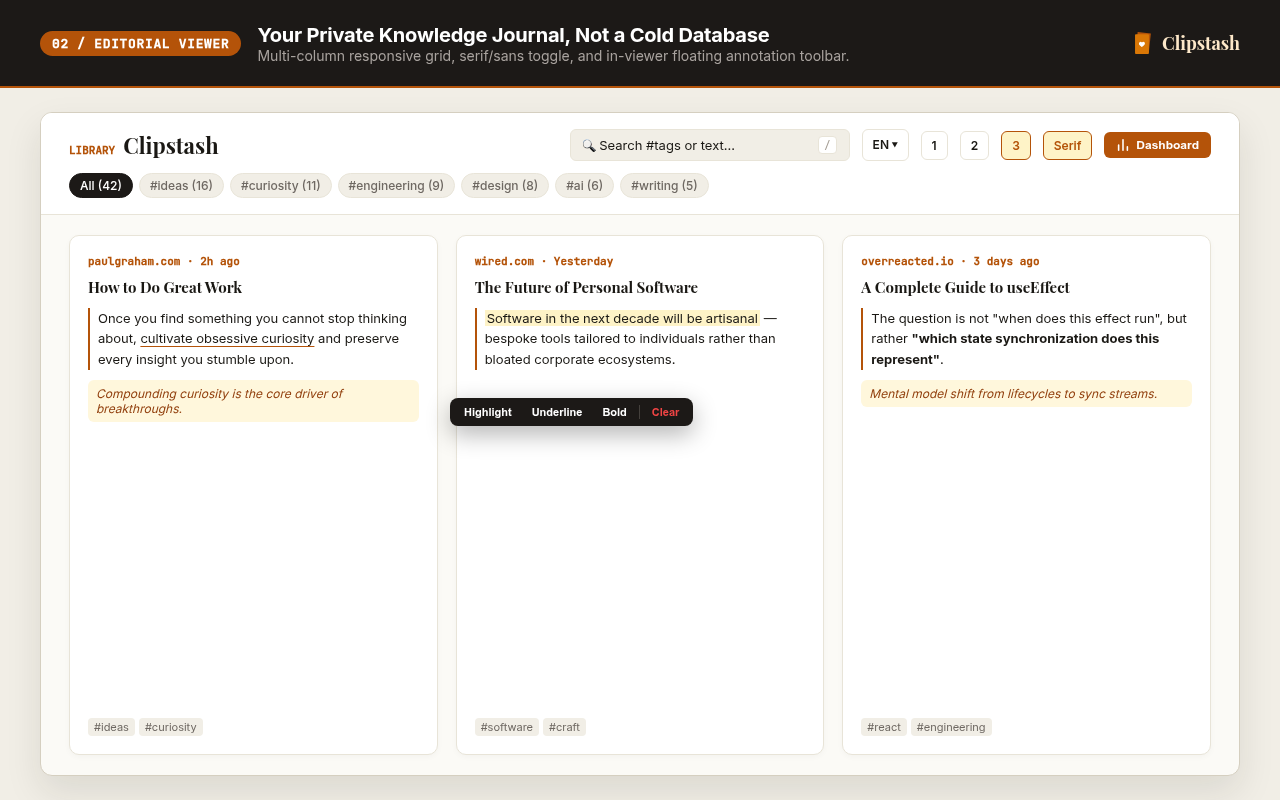
The dedicated viewer lets you search across all your highlights — text, comments, URLs, and page titles — instantly.

📥

Export & import Markdown

Export your entire library as a clean Markdown file. Import it back anytime. You own your data, portably.

🖊️

In-viewer annotations

Highlight, underline, or bold passages inside the viewer. Mark what matters without leaving the page.

Three steps to never losing a great quote again

No setup wizards, no onboarding flows. Install, select, save.

1

Select text

Highlight any passage on a webpage just like you normally would. An animated marquee border appears to confirm your selection.

2

Save or copy

A clean popover appears — Save the highlight to your stash, or Copy it to your clipboard. Add an optional personal note.

3

Revisit anytime

Click the toolbar icon to browse your clips in the popup, or hit "View All" to open the full-page viewer with search and annotations.

Why Clipstash over a bookmark or a notes app?

Zero friction

No copy-paste dance, no switching apps. Select → Save → Done. It takes under a second.

Context preserved

Each clip retains the source URL, page title, and timestamp. You'll always know where a quote came from.

Privacy by design

No cloud, no account, no third party. Everything stays in your browser — the way it should be.

Portable data

Export to Markdown at any time. Import on another device. You're never locked in.

Beautiful reading experience

A warm editorial design with serif typography, masonry layout, and amber accents — your library deserves better than a spreadsheet.

Works everywhere

Available on Chrome, Edge, and Firefox. Select text on any page — news, docs, research papers, blog posts.

Start building your stash today

Free, open-source, and takes just one click to install.